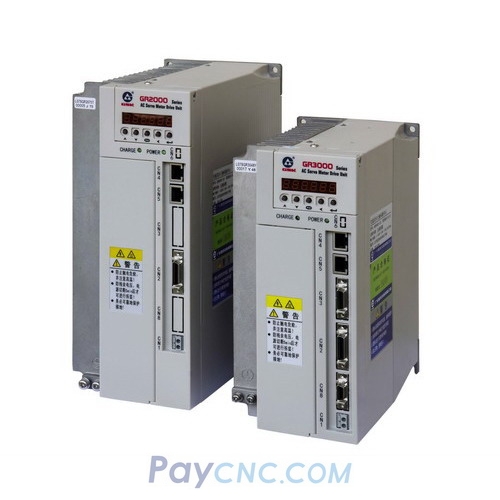
How to set parameters after replace a new GR2000 Servo driver?
Video on Youtube
This video outlines the key parameter settings for replacing GSK drives. The core steps are as follows:
Basic Parameter Adjustments
Set PA0 to 385.
Set PA1 according to the specific motor model.
Critical Parameter Modifications
Adjust parameters PA15, 16, 17, 18, 19, 28, 29, 30, and 33 (change to 1 if the original value is 0 or 1) to match the settings of the original drive.
Note: Parameters 33, 34, 15, and 16 for GS series drives do not require adjustment.
Applicable Scenarios
Suitable for replacing drives in systems using the GSK980TDi controller and GS series drives where the original equipment parameter configuration must be retained.
Tip: The video does not explicitly explain the specific meaning of each parameter; it is recommended to consult the *GSK980TDi Parameter Manual* during operation. Be sure to back up the original parameters before making any changes.
Paycnc offers different kinds of GSK AC Servo Drivers
If you could not find the exact model, you can send item photos and its nameplate to paycnc@paycnc.com or WhatsApp us to get quotation. |


