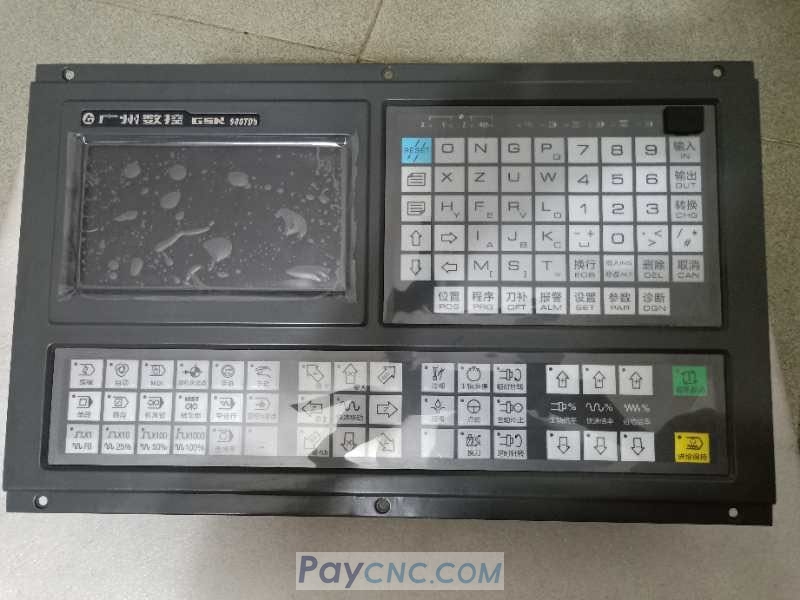
The "Settings" key on the GSK980tdb cnc controller, it provides access to three categories of commonly used operational interfaces and functions.
First-Click Interface: This interface contains three operational options. Pressing the "L" key enables the parameter switch; enabling the program switch allows for the normal editing of programs; and enabling the automatic tool-setting function (via the "L" key) causes sequence numbers ("n") to appear during program editing. To disable the parameter switch, press the "W" key; should an alarm occur, it can be cleared by pressing the "Cancel" and "Reset" keys simultaneously.
Second-Click Interface: While in "Automatic" mode, pressing the "S" key allows for the verification of the program trajectory.
Subsequent-Click Interfaces: After navigating to the next page, you can access the parameter permission settings or the data backup interface. Clicking again allows you to set the system time and date; finally, you can return to the initial "Settings" key interface. |


